Multi-location updates
Still uploading messages one at a time? With AMS you can install audio to all your locations with just a few clicks - Whether you’re managing a few offices, nationwide branches, or locations worldwide.
Schedule a demo














Still uploading messages one at a time? With AMS you can install audio to all your locations with just a few clicks - Whether you’re managing a few offices, nationwide branches, or locations worldwide.
Schedule a demo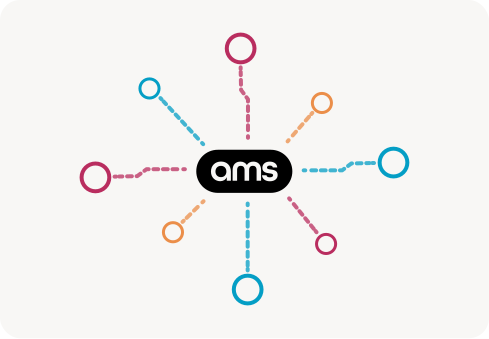

Schedule message updates in advance, and ensure they go live exactly as planned. Whether it’s holiday hours, promotions, or any important updates, AMS automates everything seamlessly
Give teams direct control over the locations they manage. With AMS, teams can update the messaging they’re responsible for without needing support from IT.
Schedule a demo
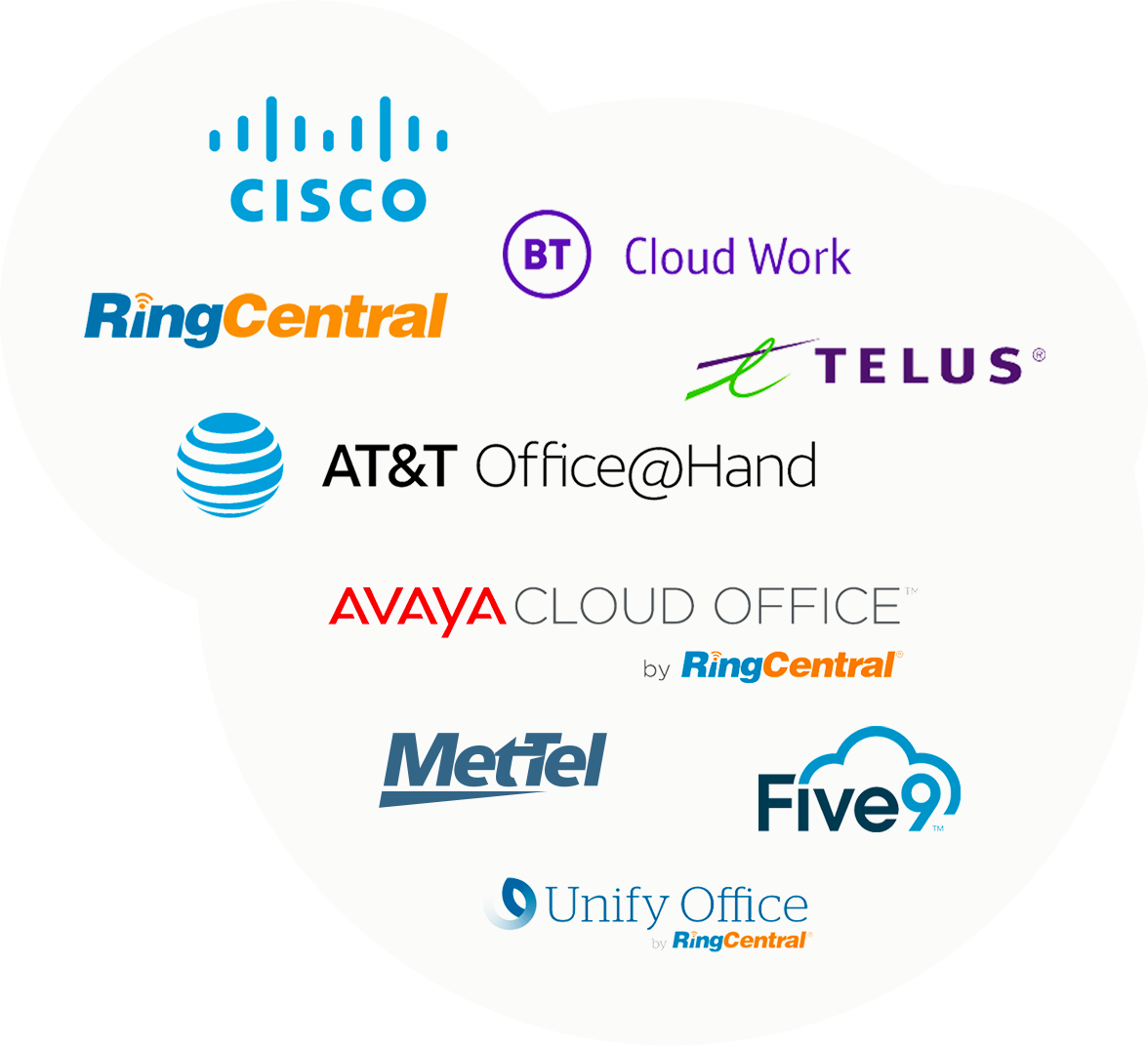
Snap Recordings integrates with leading cloud communication platforms for a streamlined experience. Install and update your phone messages with just a few clicks. Easily access your files in our secure audio library, whenever you need them.

AMS (Audio Management System) is the fastest and easiest way to manage your phone system and contact center audio. Organize and change messages on the fly, schedule phone system updates, and apply changes in bulk when managing multiple locations. AMS gives you full visibility into what’s playing on every extension — search by file name, extension number, location, or message type. Preview and listen to any message before it goes live. View transcripts of all audio files installed in your system. And see exactly where every message is playing across your entire phone system, all from a single dashboard.
Yes — you can schedule message updates just like events on a calendar. An entire year of updates can be planned ahead of time: seasonal messages, holiday hours, promotional updates, and policy changes. Updates go live automatically on the date you set. You can also schedule bulk installs across groups of extensions, saving time and IT costs. This is especially valuable for businesses managing many locations that need coordinated messaging changes across their entire phone system.
AMS is built for scale — whether you’re managing 10 extensions or 10,000. Create groups to organize locations by region, department, or brand, then push updates to an entire group with one click. Enterprise customers use AMS to manage audio across hundreds of locations simultaneously, turning what used to take days of manual work into minutes.
Yes — our RingCentral integration is called RingEX Manager. It connects directly to your RingCentral account, giving you the same powerful audio management capabilities: search your phone system, group extensions, schedule updates, and push changes in bulk. Visit our RingEX Manager page to learn more.
AMS gives you complete visibility into what’s playing on every extension across your phone system. Search and filter by location, extension type, or audio type to instantly identify outdated or inconsistent messages. Then use bulk update tools to push the correct audio everywhere at once. You can even delegate management to team leads — so each department or region stays consistent without bottlenecking through IT.
Absolutely. AMS supports role-based access — invite team members and assign them to manage specific groups of extensions. A regional manager can update greetings for their locations without accessing the entire system. This keeps updates fast and distributed while you maintain overall control.

